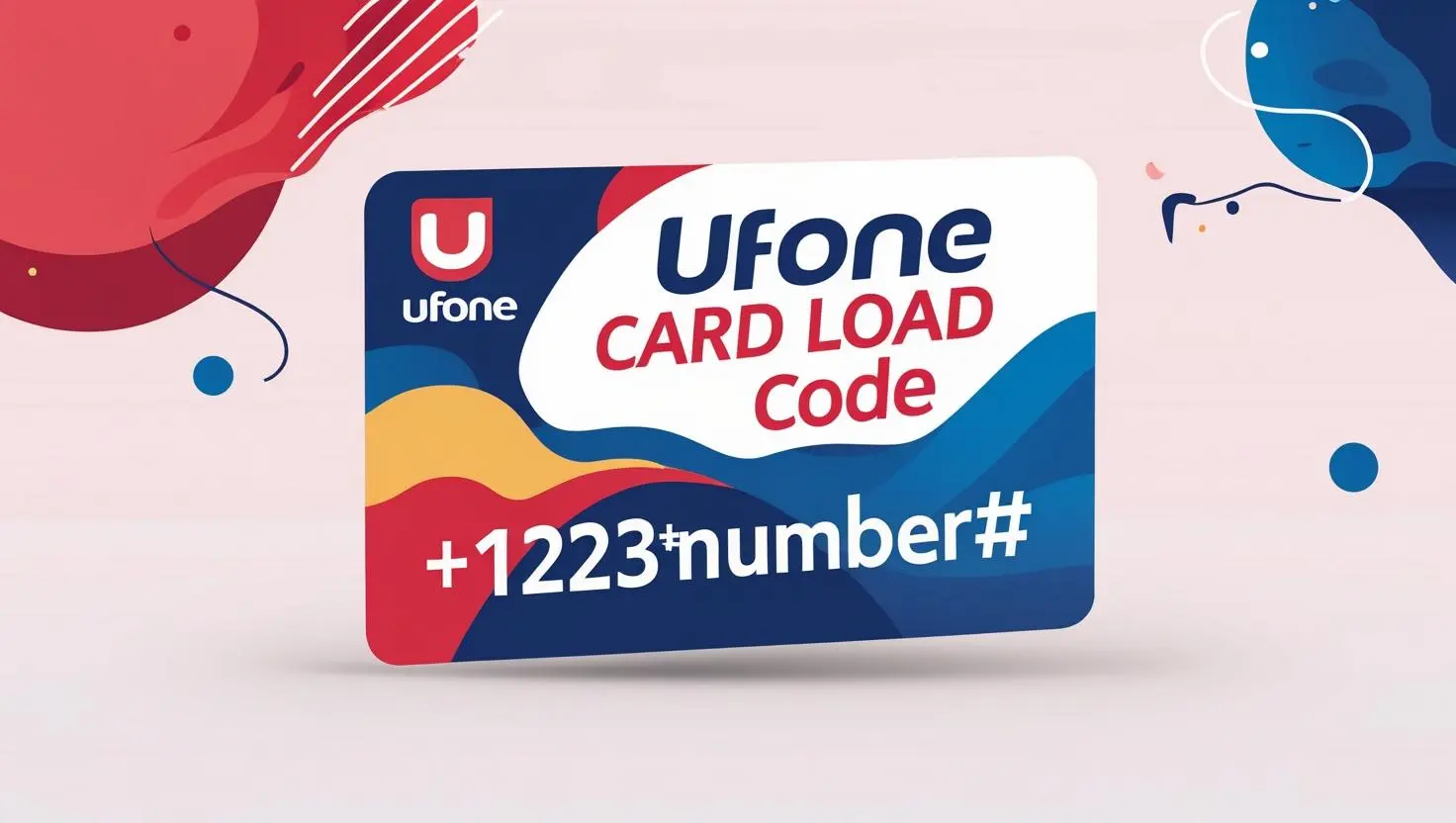
How To Recharge a Ufone Card
Quick Answer:
📱 Ufone Recharge Code 2026
Dial *124* followed by your 14-digit voucher code
(Example: *124*12345678901234#)
OR
SMS the code to 666
All codes work for prepaid balance, bundles, and unlimited packages.
How to Recharge Ufone Card – Step-by-Step Guide (2026)
Method 1: USSD Code (Fastest Way)
-
Dial the Recharge Code:
-
Open your phone’s dialer and enter:
-
*124*14-digit-voucher-code#
(Example:
*124*12345678901234#
-
-
Press Call:
-
Wait for the confirmation message.
-
-
Check Balance:
-
Dial
*124#to verify your updated balance.
-
Method 2: SMS Recharge
-
Compose a New SMS:
-
Type the 14-digit voucher code (no spaces).
-
-
Send to 666:
-
You’ll receive a confirmation SMS.
-
Method 3: Ufone App/Website
-
Log in to the Ufone Portal.
-
Enter the voucher code under “Recharge.”
-
Submit and wait for confirmation.
Troubleshooting & Solutions
1. “Invalid Code” Error
-
Solution:
-
Check for typos in the 14-digit code.
-
Ensure you’re using
*124*(not *123# or *222#).
-
2. No Balance Update After Recharge
-
Solution:
-
Wait 5 minutes and check again via
*124#. -
Contact Ufone helpline (
333) for manual help.
-
3. “Service Not Responding.”
-
Solution:
-
Restart your phone and retry.
-
Ensure you have network coverage (check signal bars).
-
4. Voucher Already Used
-
Solution:
-
Buy a new voucher from an authorized retailer.
-
5. USSD Code Not Working
-
Solution:
-
Dial
*124#First to check if USSD services are active. -
Enable “USSD permissions” in your phone settings.
-
Ufone Card Load Code in 2026
Ufone Recharge Balance Code 2026
The card number is written on a scratch card that you can buy from the nearest shop very easily.
Terms and conditions
- All prepaid and postpaid users can use this method to recharge their Ufone balance.
- There is no tax included in the price
- Ufone will apply tax on the recharge of the balance
- Ufone has the right to change the recharge code.
- All terms and conditions will apply to all customers.
FAQs
What is the USSD code to recharge a Ufone card in 2026?
The official Ufone recharge code is *124*14-digit-voucher-code#. Example: *124*12345678901234# → Press CALL to confirm.
How can I check my Ufone balance after a recharge?
Dial *124# from your Ufone number. You’ll receive an SMS with your updated balance.
3. Why is my Ufone recharge code not working?
Answer:
Common fixes:
-
Check for typos in the 14-digit voucher code.
-
Ensure you’re using
*124*(not other codes like *222#). -
Restart your phone if USSD fails.
4. Can I recharge Ufone online?
Answer:
Yes! Use:
-
Ufone Website/App: Enter the voucher code in the “Recharge” section.
-
Bank Apps: Many banks (JazzCash, EasyPaisa) offer Ufone recharge.
5. How long does it take for the Ufone balance to update?
Answer:
Usually instant. If balance doesn’t update:
-
Wait 5 minutes.
-
Dial
*124#again. -
Call Ufone helpline (
333If issues persist.